
Create your show
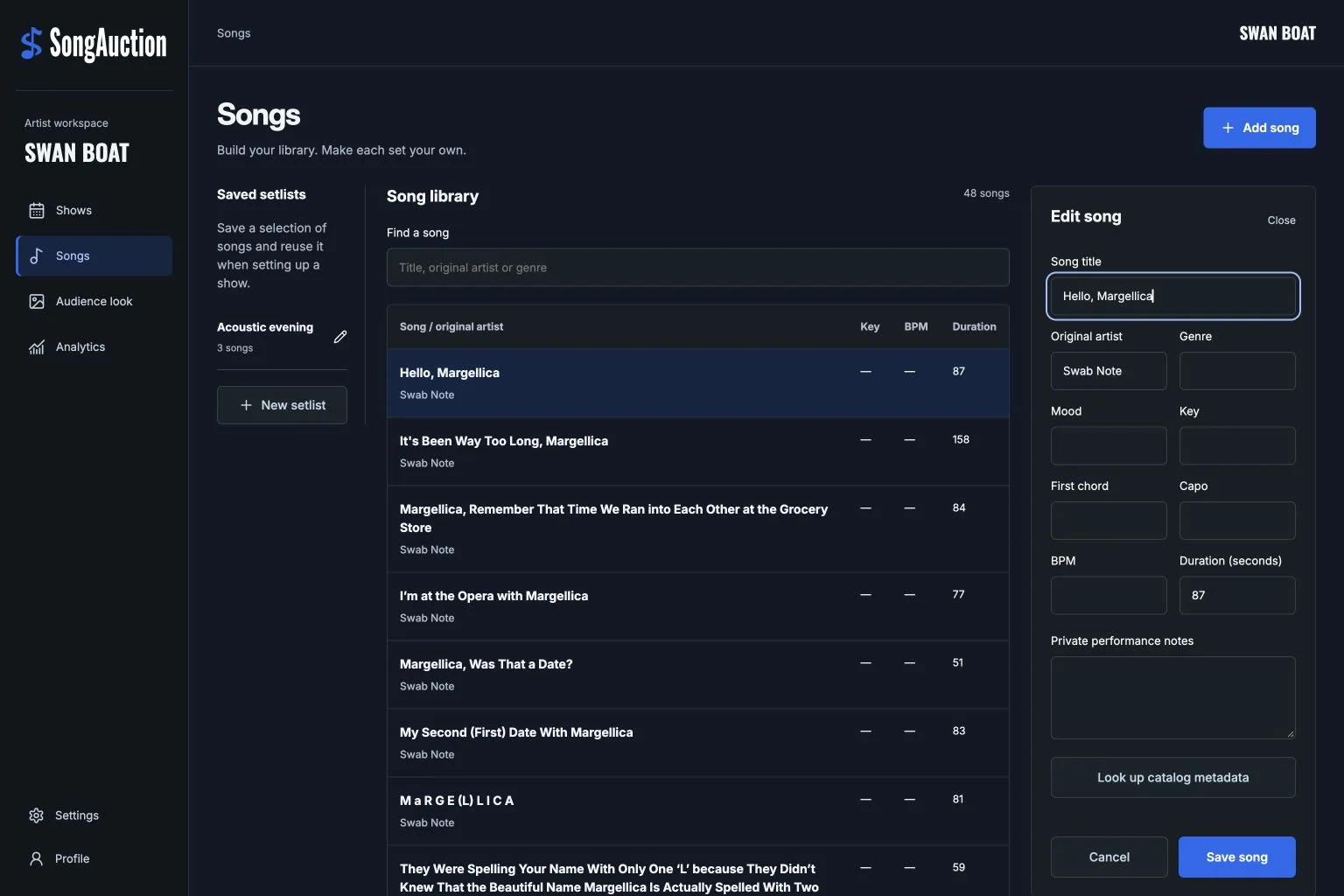
Choose the songs you want to offer. Bring in a saved setlist or select songs from your library.
 Artist sign in
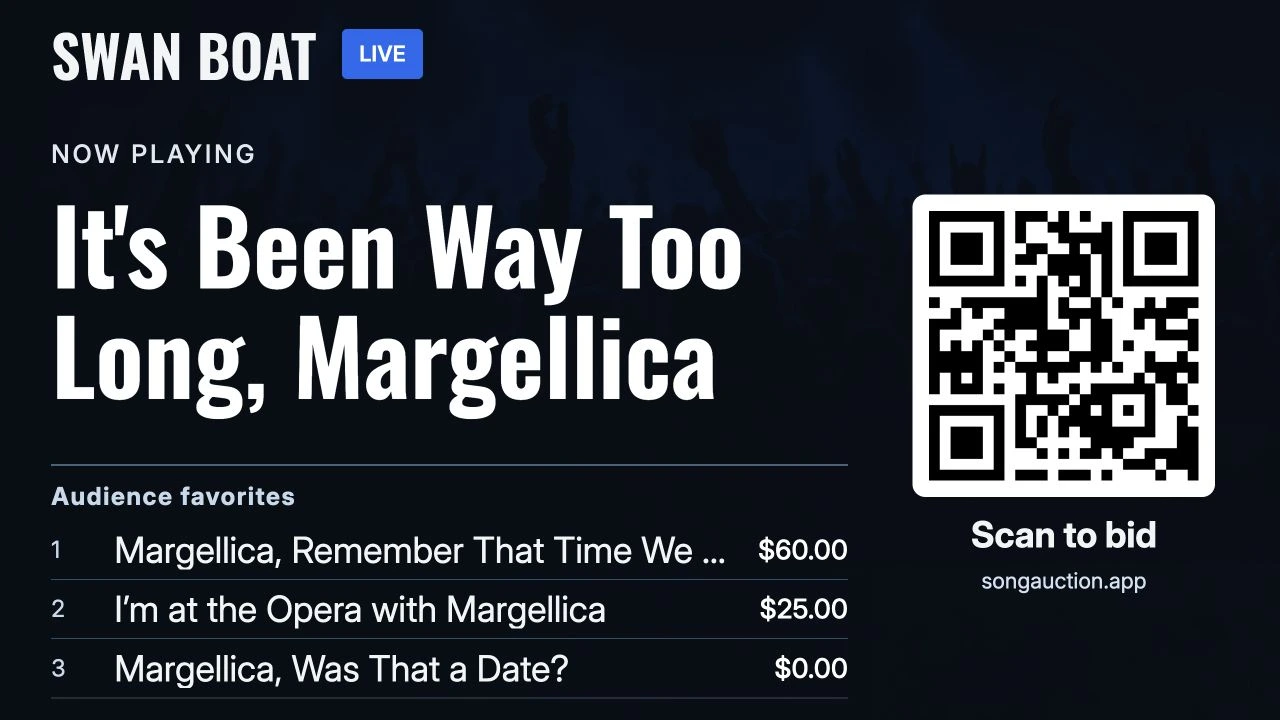
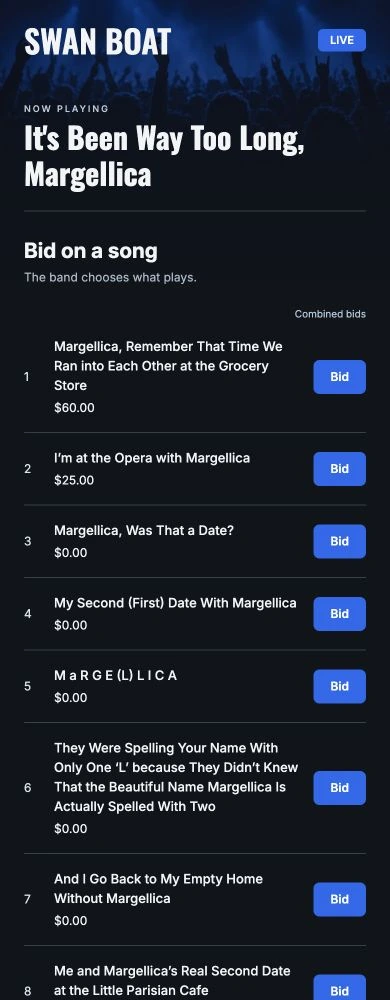
Fans scan a QR code and bid on songs from your setlist.
You decide what plays next.
Coming soon
Build once. Reuse at every show.
One look for your portal and stage display.
Review requests and song activity.
Choose the songs you want to offer. Bring in a saved setlist or select songs from your library.
Fans scan and join from their browser. One reusable artist link connects them to your current live show.
See which songs have support, then decide what to play next. Pause requests whenever you need to.
Save songs and setlists, see audience requests and choose what plays next. Your performance notes stay private.
Match your branding across the portal and stage display. Share your artist link or print a reusable QR flyer.
Review requests, song activity and show history after the show. Keep your music, merch and social links available to fans.
Requests · Songs · Shows
No. The artist chooses what plays and when.
No. Fans join from their browser using the artist link or QR code.